If your domain is already registered and you want more buyer exposure, listing it on the right marketplaces can help it show up where buyers are already searching. A domain marketplace is not a guaranteed sales engine, but it can give your name broader visibility, help you test buyer demand, and create a clearer, more structured listing process.
If you want a broader strategy for selling a name rather than just marketplace posting, review domain broker vs marketplace and sell your domain.
Table of contents
- Why list on domain marketplaces?
- How to list a domain on Afternic
- How to list a domain on Sedo
- Conclusion
Why list on domain marketplaces?
A good listing gives searchers a clear path to your name and helps create a first impression before a buyer reaches out. For premium or brandable domains, this matters because buyers often compare a domain across several marketplaces before deciding whether to contact the seller or ask for a private offer.
Marketplace distribution is not the same as guaranteed sales, but it can help your name be seen by a broader pool of qualified buyers. The exact audience and reach vary by platform:
| Marketplace | Typical benefit | What to remember |
|---|---|---|
| Afternic | Broad domain distribution and access to potential buyers, including the US market. | It is a strong option when you want broad visibility in a familiar domain-search ecosystem. |
| Sedo | International exposure, including European buyers. | It works well for domains with cross-border appeal or international demand. |
This article does not promise faster or more profitable results from any single marketplace. It focuses on the practical listing workflow and how to avoid common mistakes such as missing a verification step or leaving a price in an unhelpful range.
How to List a Domain on Afternic
Afternic is widely used by domain sellers and is tied to a broad marketplace ecosystem. The public Afternic pages show that the seller journey begins from the marketplace’s selling pages and that a domain can be surfaced across broad search traffic and registrar distribution channels.
Step 1: Review Afternic’s selling flow
Before you list anything, start on the selling page to understand what the marketplace expects. The homepage and selling page are a good place to confirm the process and the buyer environment before you submit a domain.
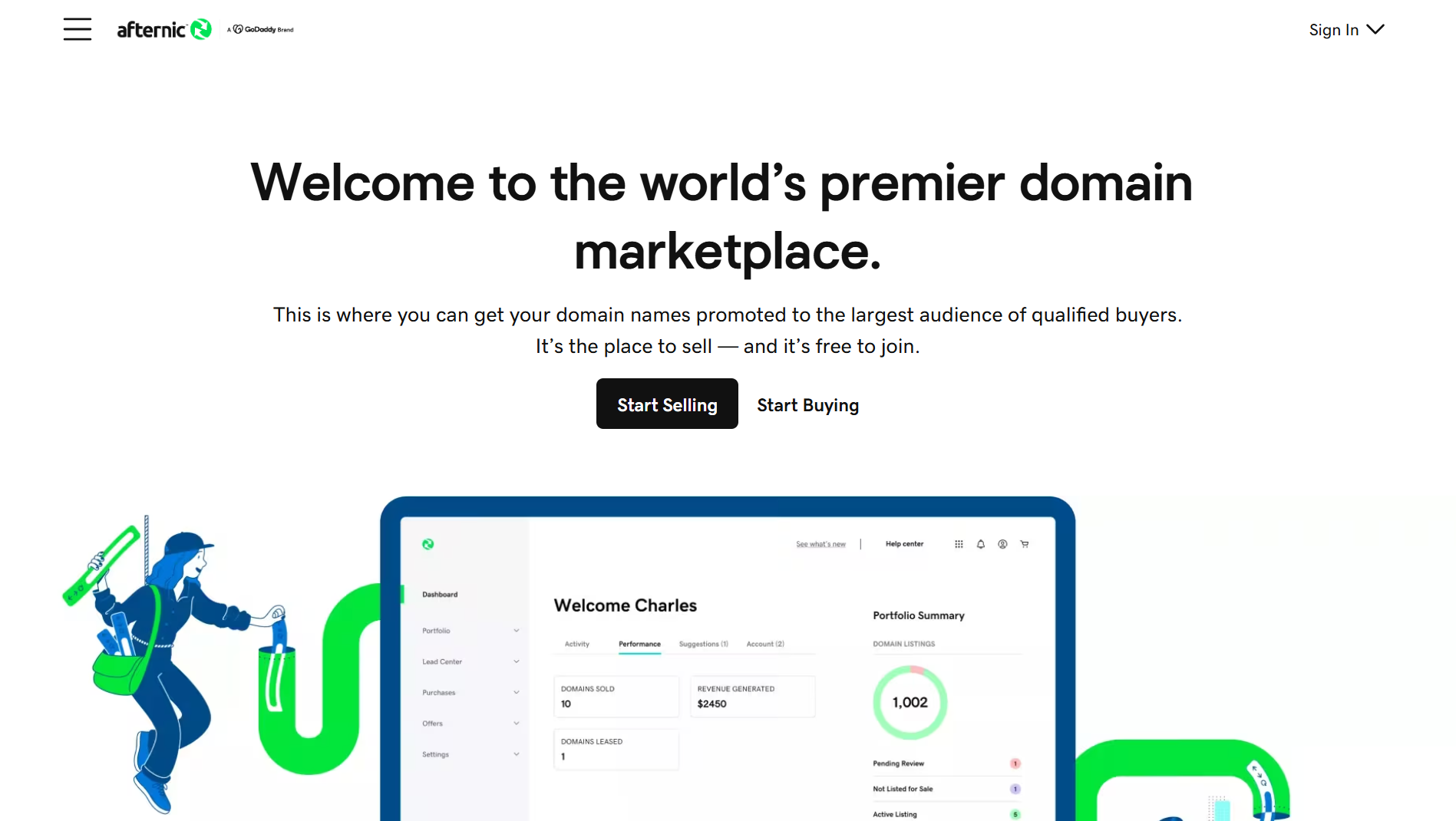
Figure 1: Start on Afternic’s main marketplace page and confirm the seller flow before adding a domain.
Step 2: Submit the domain to the seller flow
Once you are in Afternic’s seller area, add the domain you want to list and follow the marketplace prompts for your account and domain. In practice, this means confirming you have the right account access, the domain is under your control, and the listing is being created for a valid seller account.
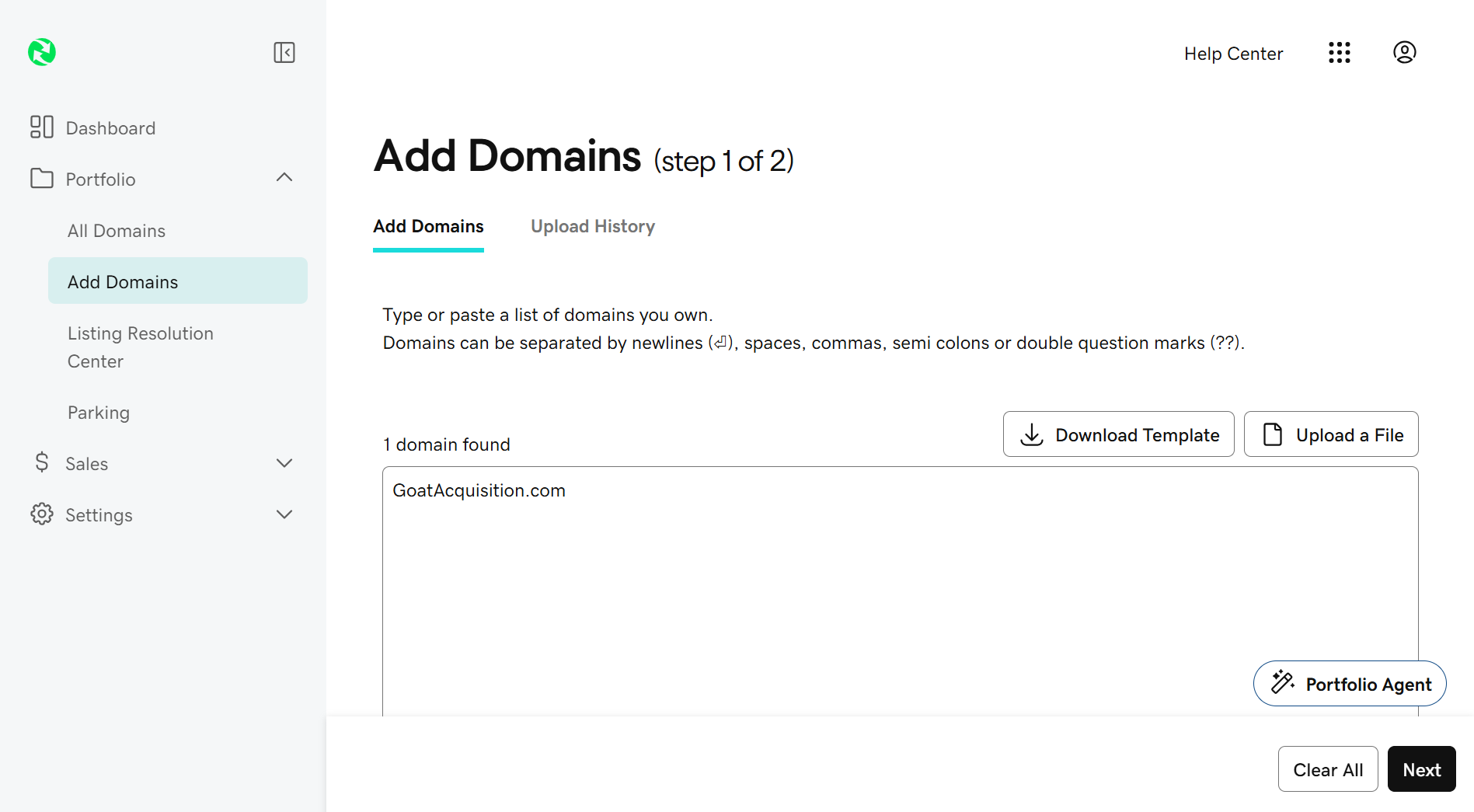
Figure 2: Review the Afternic sales page and use the seller flow to submit the domain you want to market.
Step 3: Set a price and list your domain
If the marketplace asks for a listing type, contact price, or asking price, set a realistic number and consider the domain’s market position. For many names, a price that is too high can reduce inquiry volume, while a price that is too low can attract low-quality offers. If the marketplace offers optional sale types or price structures, choose the one that matches your comfort level and keep the listing easy to understand.
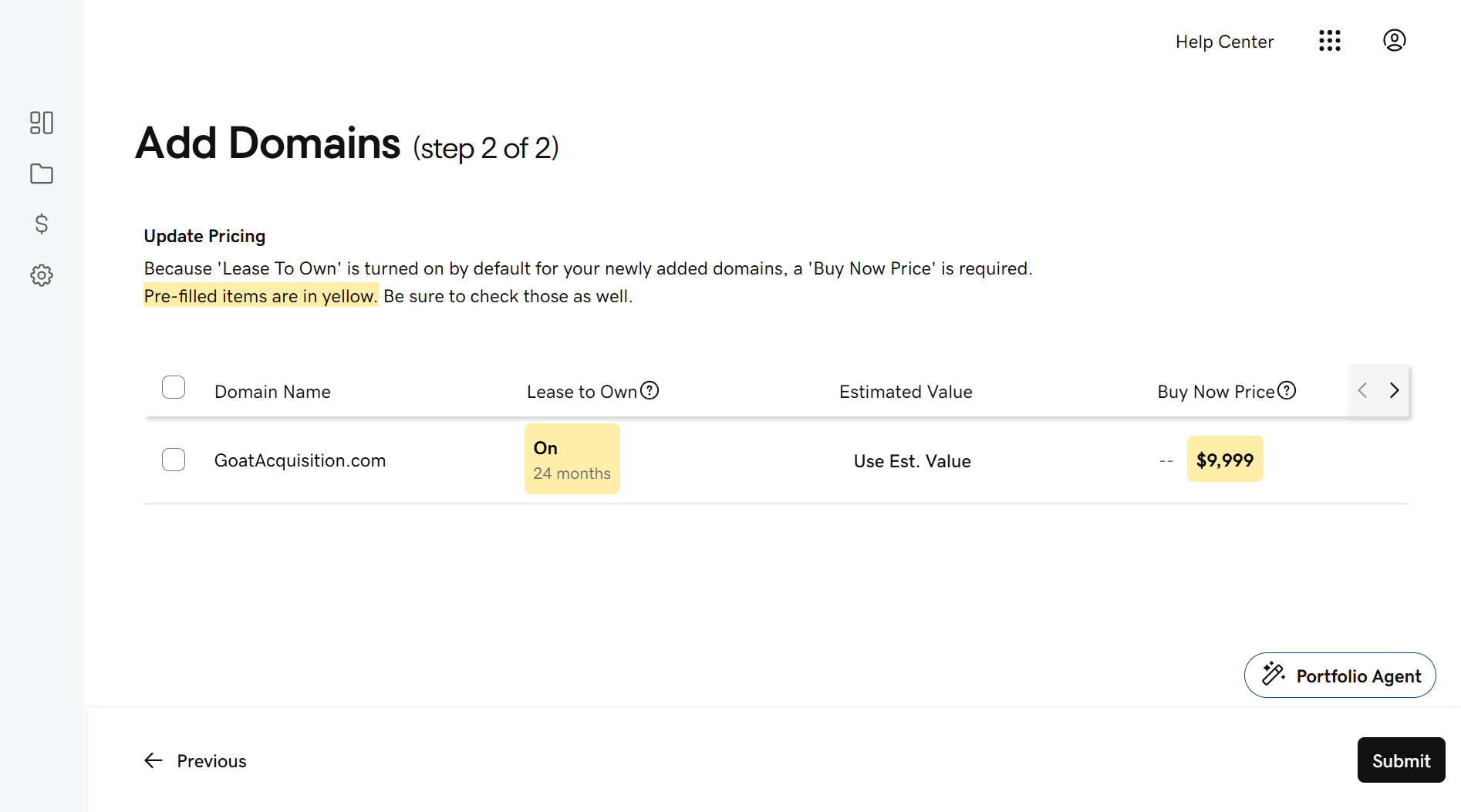
Figure 3: Placeholder: this is the Afternic seller form that may appear after login. Use it as a reminder to confirm the domain, price, and verification requirements before publishing.
A few seller-side checks are worth doing before you go fully live:
- Confirm the domain is registered to your account or can be transferred properly.
- Review the listing type and price to ensure it makes sense for the market.
- Check whether the marketplace requires a verification step or DNS validation before the domain is displayed publicly.
- Understand the status view in your seller dashboard so you know when the domain is active versus pending review.
Afternic can be a strong option if you want a broad domain audience and US-market visibility. If you are testing a premium name or comparing which route is the best fit, an alternative is to list through a domain broker instead of only relying on a marketplace.
How to List a Domain on Sedo
Sedo’s homepage emphasizes large-scale marketplace reach and a global domain audience, including international buyers. It has long positioned itself as a top destination for domain buyers and sellers, and the public sales pages show it is designed for both Buy It Now listings and broader marketplace exposure.
Step 1: Start from Sedo’s marketplace and seller services
Begin on the Sedo home page or seller services area so you can understand the marketplace context before listing. The main benefit is that Sedo is familiar to international buyers and often attracts a broad cross-border audience.
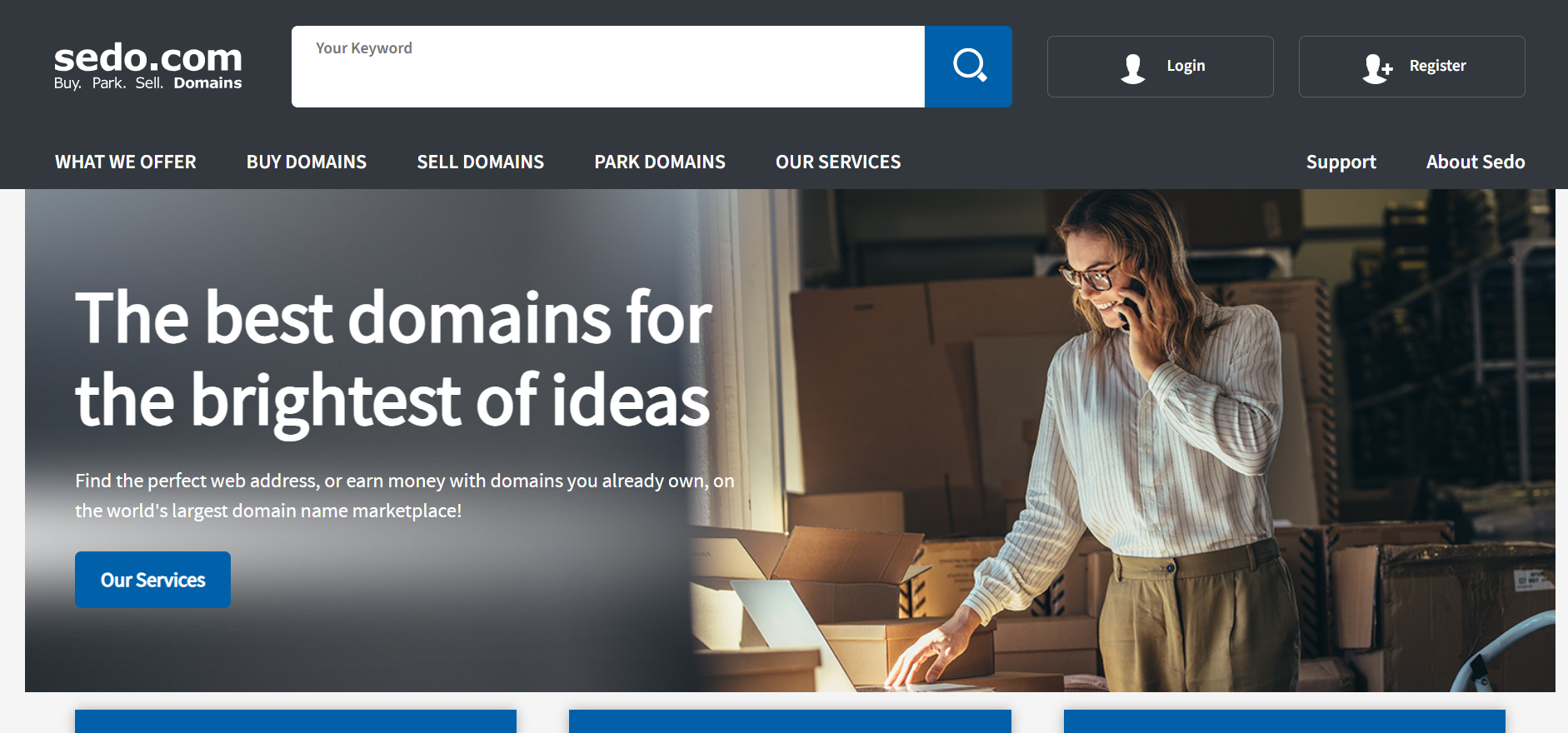
Figure 4: Start from Sedo’s home page to confirm the marketplace’s global domain focus before adding a listing.
Step 2: Use the seller flow to add a domain
From Sedo’s seller area, you will typically add the domain, verify ownership, and fill in the marketplace fields needed for a public listing. The exact path can differ depending on account status, the domain’s registrar, and any seller tools that are active at the time.
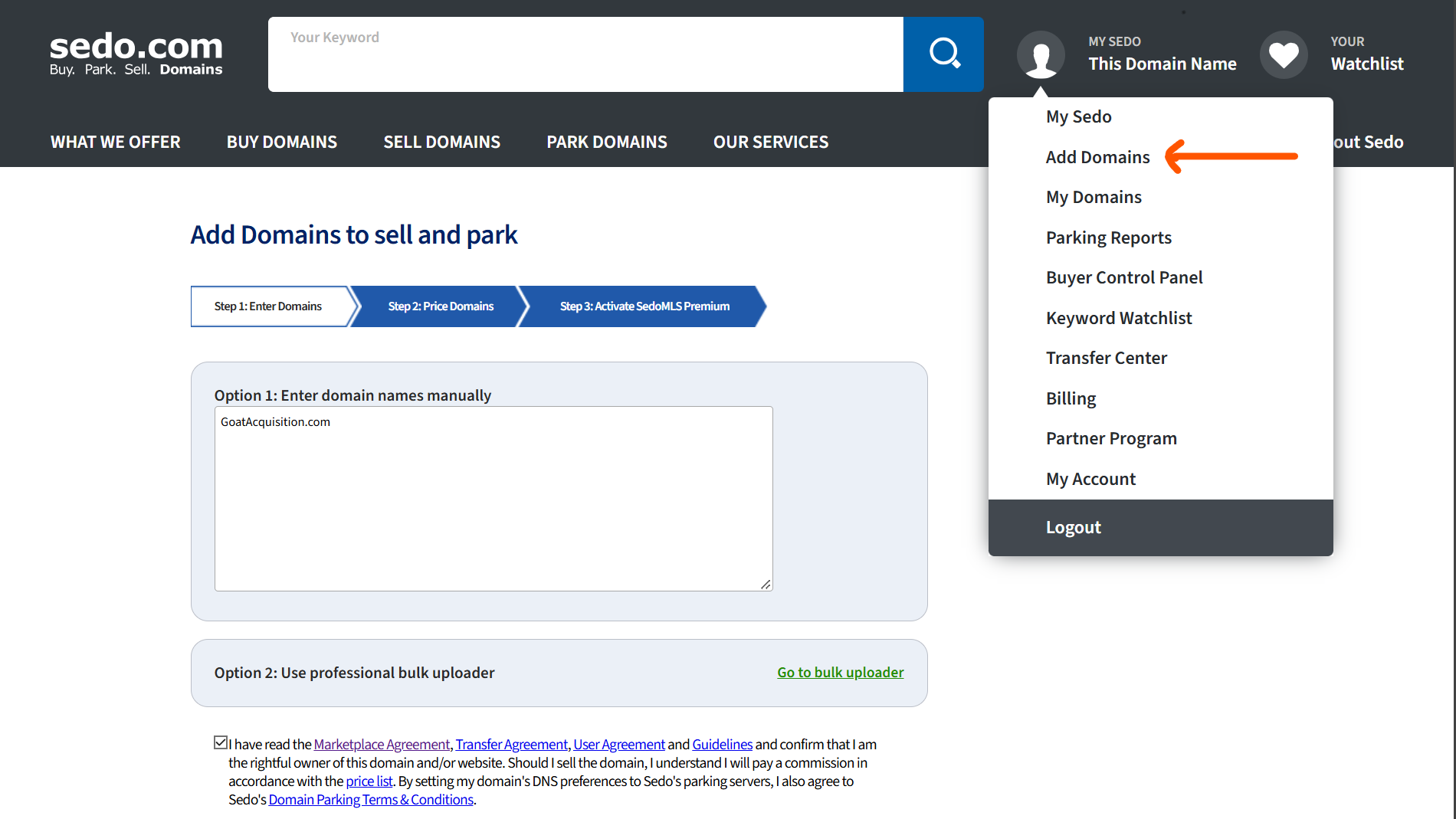
Figure 5: Sedo’s services pages reinforce the seller and brokerage path, which is useful when you are preparing the domain details and asking price.
Step 3: Add price, listing details, and verification
Once a domain is submitted, add the listing details, price, and relevant sale type. If Sedo asks for a verification step or ownership check, complete it before the listing is made public. This is also the time to review the domain description, base price, and status so the listing is displayed correctly.
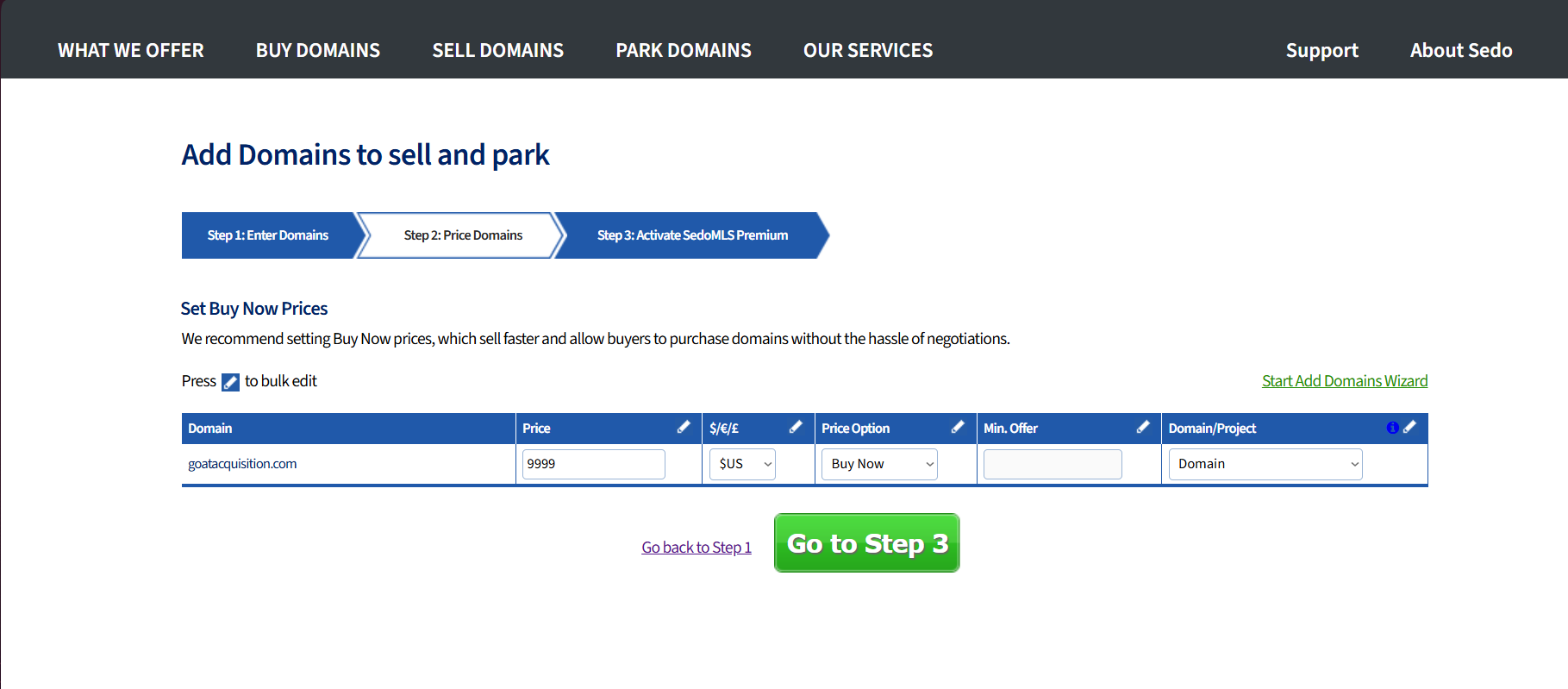
Figure 6: Placeholder: this is the Sedo domain listing form that may appear after login. Use it to confirm price, ownership, and verification before going live.
Sedo is especially relevant if your domain has international appeal or could attract European buyers. It is one of the better marketplace choices for names that might benefit from broader global reach, but it should still be paired with realistic pricing and a clear status check once the listing is live.
Conclusion
If you want the best chance of buyer discovery, list on the marketplace that matches your domain’s audience and your comfort level with the platform. Afternic is often a strong choice for broad distribution and US-market visibility, while Sedo is useful for broader international reach and cross-border buyer discovery.
The key is to keep the process disciplined: verify ownership, set a realistic asking price, complete any required domain or DNS checks, and confirm the listing is active in the marketplace dashboard. A well-structured listing will almost always outperform a vague or unfinished one.
If you want to compare marketplace listing against direct brokerage, see domain broker vs marketplace. If you want help positioning and pricing an asset before it goes live, explore sell your domain.